



The Best Screen Recorder For Remote Work And Learning
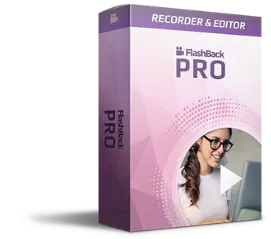
Record your screen and share quick clips or make engaging demos and training videos. FlashBack Screen Recorder is the fastest way to capture and edit video.
For Windows
High quality screen recorder, feature-packed video editor.

Make Your Point With Video
Use FlashBack Screen Recorder to make screen captures you'll want to share.
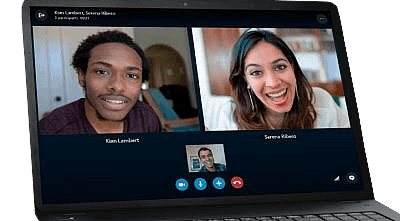
Record Screen
Capture your desktop, websites, video calls – anything on your PC screen, along with webcam and mic.
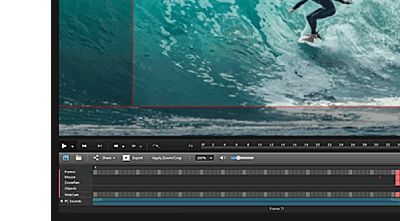
Edit
Use video editing tools to make clips and refine footage. Add captions and arrows to highlight important parts.
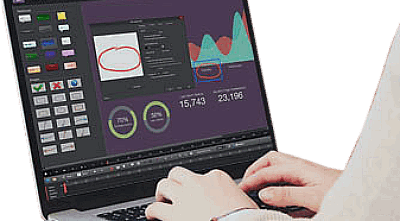
Share
Export your video in multiple formats or upload straight to YouTube or FlashBack Connect.
A Screen Recorder For Everyone
FlashBack is the best recorder for...
Video Tutorials
Lecture Recordings
Video Calls
Youtube Videos
Training Videos
Video Lessons
Video Walkthroughs
Presentations
Software Bug Reports
Demo Videos
How-To Videos
Webinar Recordings
Educators And Students
Get Flashback for 50% OFF!
Simple, Powerful Recording
FlashBack makes it easy to capture your screen and share it.
Record Anywhere
Area, Fullscreen and Window
Capture Audio
Record system audio
Multi-Device Capture
Capture screens and webcam
Multiple Screens
Simultaneous recording
Scheduling
Set a time to record
Narration
Record a commentary
Editing Timeline
Multi-track full editing suite
Quick Export
MP4, AVI, GIF, more
Youtube Upload
Easy upload to Youtube
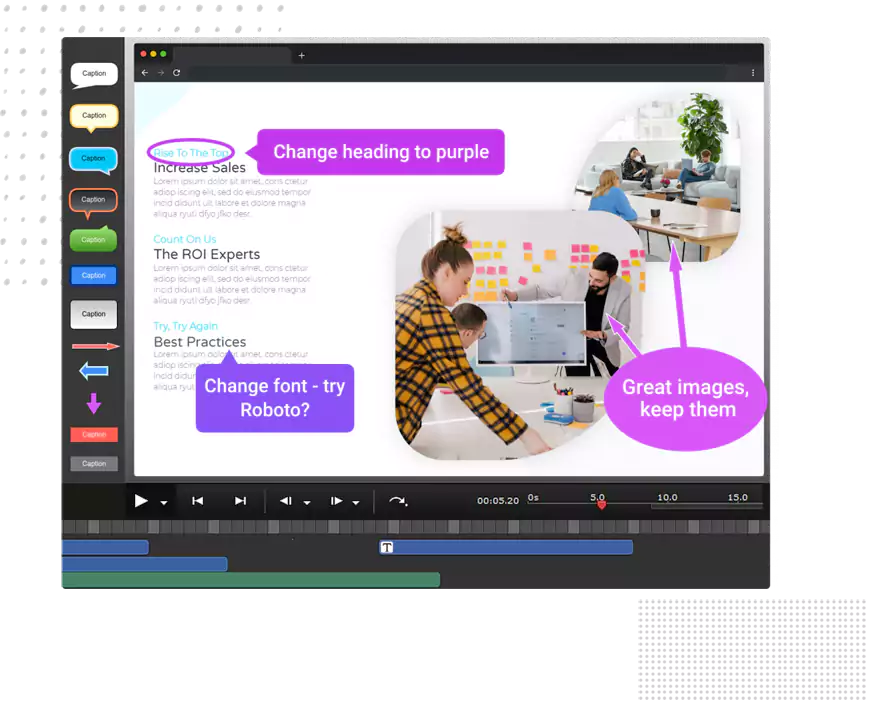
Intuitive Video Editing
Use FlashBack's full editing suite to enhance your video message.
Trim footage and make clips
Add captions, images and highlights
Edit audio and add music
Zoom in/out and add blurs
Apply transitions
Import video and music
Start your free trial
System Requirements
OS:
Windows 7 / 8 / 10 : 32 and 64 bit versions.
CPU:
Dual core minimum, quad core recommended.
RAM:
Memory: 2Gb minimum, 4Gb recommended.